
Learn, Practise, Revise, Test: A Four-Step Way to Study Any Topic
Read the topic once, answer questions on it level by level, come back to it on a later day, then sit a timed test. Why that order works, and how to follow it on any topic in Veda.
By Miss Shanti Divaraniya, Co-founder
The study method we built Veda around has four steps, done in order on one topic at a time: learn it, practise it, revise it, and test yourself on it. In Veda every topic has these four as tabs, called Learn, Practice, Revise and Test. You read the notes first, answer questions level by level with an explanation after each one, come back on a later day to flashcards and games, and finish with a timed test that shows what you really know. It works for a school chapter, a college unit, a coaching-class topic or something you are learning on your own, in any of more than 40 languages.
- LearnRead the notes once, slowly
- PracticeMCQs from Beginner to Advanced, with a Why
- ReviseFlashcards and games, on a later day
- TestA timed test, then review every answer
The same four tabs sit on every topic, on the web and in the app.
Most students already do some of these steps. The trouble is usually the order, and the step that gets skipped. Reading a chapter three times makes the page familiar, and familiar is not the same as being able to answer a question about it.
- Feels like work
- The page looks familiar
- Gaps stay hidden until the exam
- You answer from memory
- You come back after a gap
- A test shows what is left
Why this order works
Three plain ideas about memory sit behind it. Good teachers use them whether they name them or not.
- Retrieval practicePulling an answer from memory is what makes it stick
- SpacingComing back after a gap beats one long session
- The testing effectA real test fixes a topic, not only marks it
So Practice comes straight after Learn: you stop reading and start answering. Revise is its own step because it belongs on another day. And Test goes last, when you have done the work and want to find the gaps that are left.
How to do it on one topic in Veda
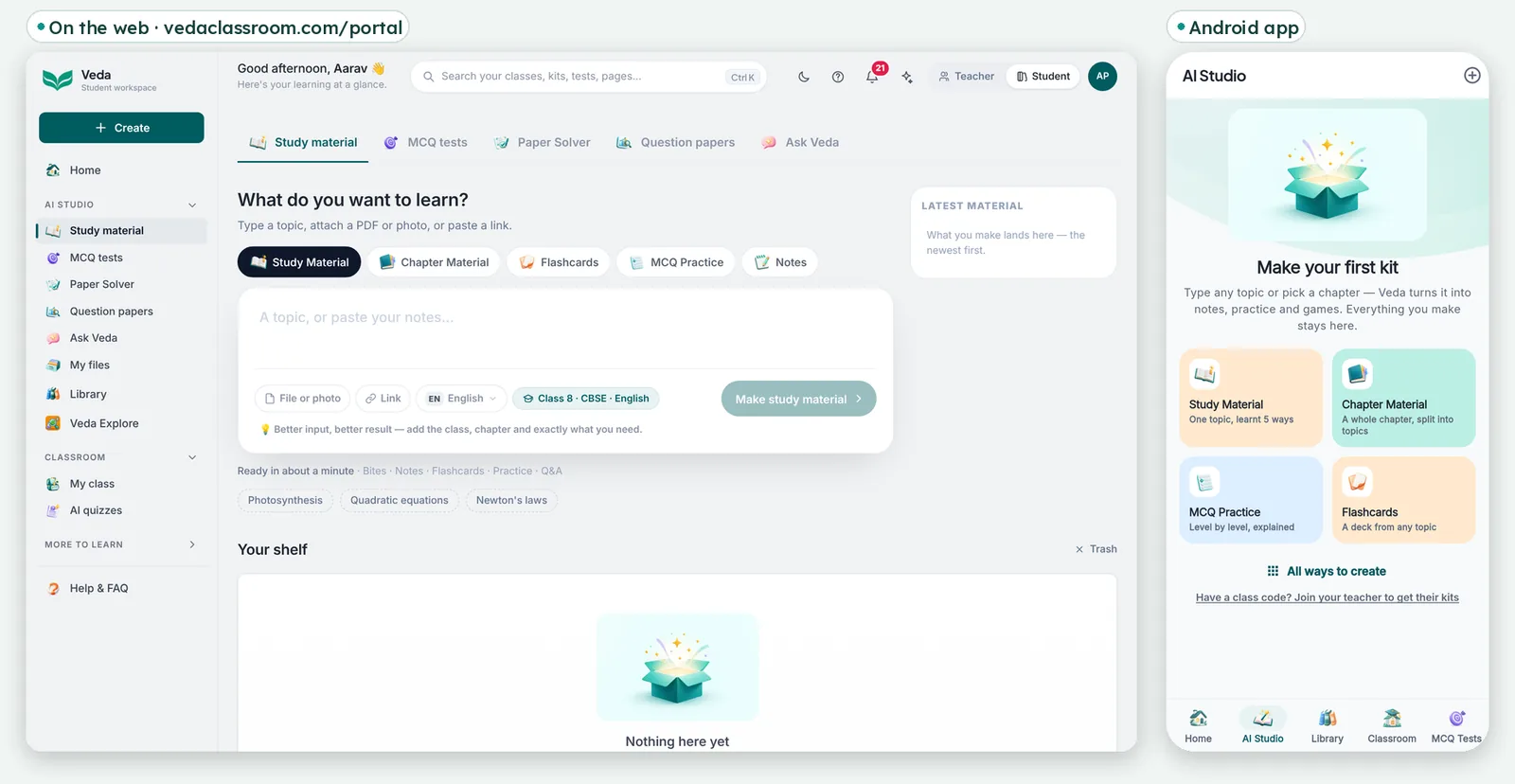
Pick one topic. It can come from a kit your teacher gave your class, from the ready-made library inside Veda (NCERT is one example of what is there), or from Study Material that Veda's AI builds for you in AI Studio from a typed topic, a PDF, a photo of your notes or a link.
- Learn. Open the Learn tab and read the notes from top to bottom once. Depending on the topic you will see a summary, key points, worked examples, common mistakes and memory tricks. Read slowly. Do not try to memorise yet.
- Practice. Move to the Practice tab and start with Beginner MCQs. After every answer you see whether you were right and a short "Why". If the why does not make sense, tap Learn more and the AI writes a longer explanation of that one question. When you clear a level, Veda offers the next one, Intermediate and then Advanced. Short and long written-answer questions sit in the same tab if the topic has them.
- Revise, on another day. Come back after a day or two and open Revise. Flashcards has a Due today mode: rate each card Forgot, Unsure or Knew it, and the cards you struggle with come back sooner while the ones you know wait longer. Games and, on the web, Bites are there too, for a quicker pass.
- Test. When the topic feels solid, open the Test tab and build a test. Choose how many questions, the level, and on the web a time limit of 10, 15, 30 or 60 minutes, or no limit. Take it in one sitting.
- Read the result properly. You get your score, a breakdown by level, and a review of every question with your answer, the right one and the explanation. Go back to Practice for the level that let you down, then retake the test.
Two kinds of test, and which to pick
The Test tab offers two sources for questions. "From this topic's MCQs" reuses the practice questions of the topic and does not spend a credit. "Fresh AI questions" has the AI write a new set you have not seen before, which uses an AI test credit. If you have just finished practising, the first kind can turn into a memory test of the exact questions. A fresh set is a fairer check that you understand the topic and have not only remembered the answers.
A sensible week for one subject
- Day 1Learn topic one; practise Beginner
- Day 2Topic one at Intermediate and Advanced; learn topic two
- Day 4Revise topic one with Due today cards; practise topic two
- Day 6 or 7Test yourself on topic one; revise topic two
The days are only a suggestion. What matters is that revision and the test do not fall on the day of your first reading.
Web and app
The same account works in the Android app and on the web at vedaclassroom.com/portal, and your progress follows you. Many students read on a computer, where the notes have room, and do their flashcards on the phone in short gaps.
What it can't do, and what to check
- The AI can get things wrong. Notes, questions and explanations are written by AI. Most are right, but if something disagrees with your textbook or what your teacher said, trust the book and the teacher, and report the problem from the topic page.
- Skipping Learn makes Practice guesswork. If you go straight to questions on a new topic, you will mostly be guessing, and guessing teaches very little.
- Written exams need written practice. MCQs check understanding. If your exam wants long answers, use the written-answer questions in Practice too, and write some answers out by hand.
- Credits. Building new Study Material, Learn more, more practice questions and fresh AI tests use AI credits. The free plan includes a monthly allowance.
For more on the Practice step, read our post on practising level by level.
Questions students ask
Do I have to do all four steps on every topic?
No, but the topics you skip a step on are usually the ones that surprise you in the exam. If time is short, do not drop Practice or Test.
How long should each step take?
It depends on the topic. Reading the notes is often the shortest step. Practice and revision take longer, and that is where most of your time should go.
Can I use this for subjects that are not in a textbook?
Yes. Type the topic, or upload your own notes or a PDF, and Veda's AI builds the same four tabs from it.