
Flip Your Classroom With AI: Reading at Home, Thinking in Class
Give a short study kit before the lesson, check who opened it, and spend class time on discussion, problems and doubts. A plain, step-by-step flipped classroom with Veda.
By Miss Shanti Divaraniya, Co-founder
A flipped classroom moves the first meeting with new material out of the lesson and into the evening before it, so the lesson itself can be used for the harder part: questions, problems, discussion and doubts. With Veda, you make a short study kit from your own chapter, give it to the class with dates, and check "How it is going" before you walk in, so you know who has read it and who has not. The kit is drafted by the AI from your material; the lesson is still yours to run.
I like the idea because it puts the teacher where students most need one. Reading a definition does not need me in the room. Getting stuck on the third problem does.
Where the idea came from, briefly
The name is usually traced to Jonathan Bergmann and Aaron Sams, two chemistry teachers in Colorado who began recording their lessons in the late 2000s so that absent students could catch up, and then noticed that class time was freed for practice. Since then, teachers have flipped with videos, readings, worksheets and short quizzes. The tool matters less than the swap:
- New material explained in class
- Practice alone at home
- Doubts arrive when no one can help
- First reading at home, short
- Practice in class, together
- Doubts arrive while you are there
The honest catch, which every teacher who has tried it will tell you: it only works if students actually do the pre-work. So the plan below keeps the pre-work small and makes it easy to see who did it.
The flipped lesson, step by step
- MakeA kit from the chapter you will teach
- GiveTo the class, open from a set date
- CheckWho opened, started and finished
- TeachClass time for problems and doubts
- TestA short quiz on what you discussed
1. Make a small kit
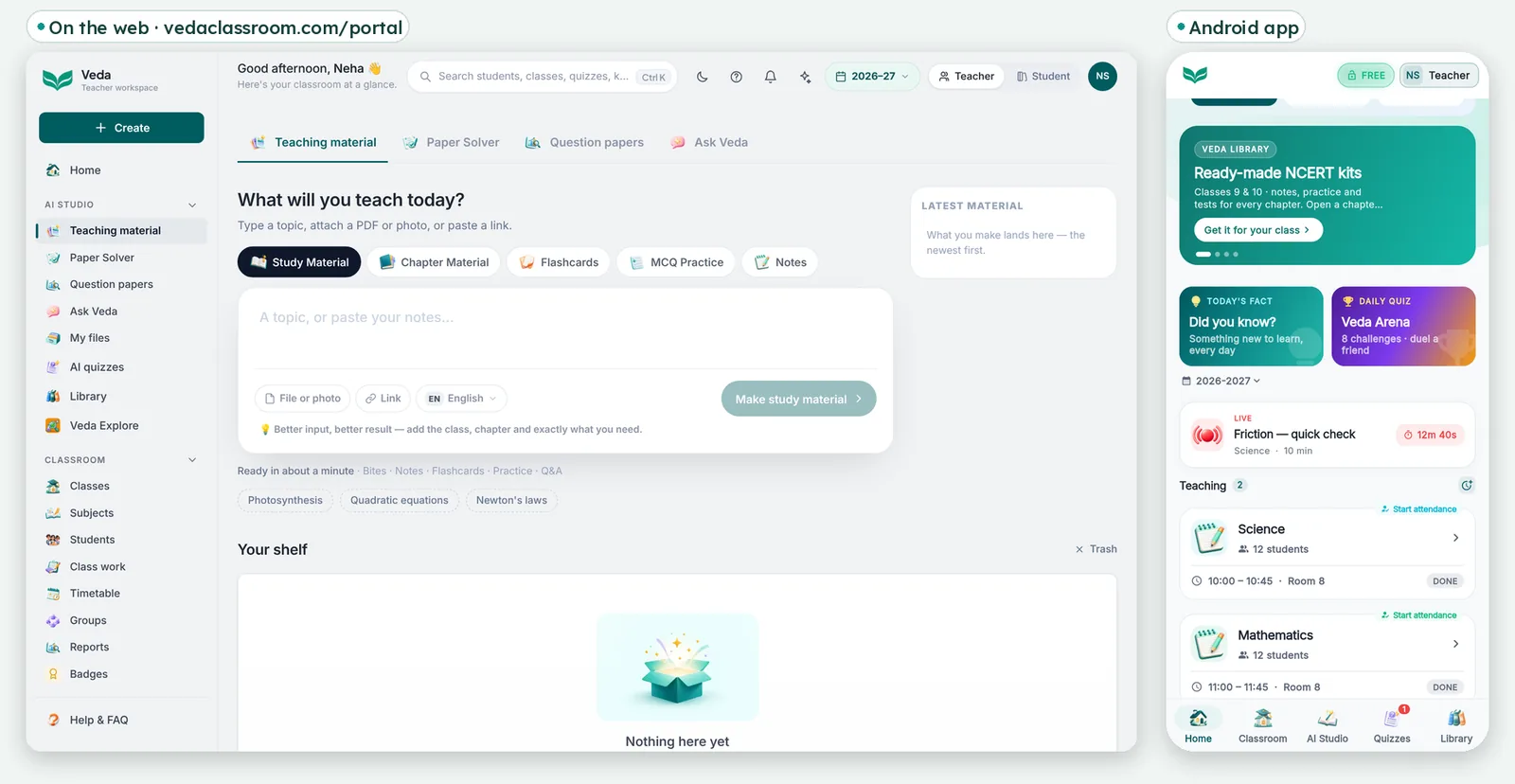
In AI Studio choose Study Material for one topic, or Chapter Material if you want the chapter split into topics. Attach the chapter PDF, your slides, a photo of the page or a YouTube lesson you already like, and choose the language. The AI reads it and writes the kit. Each topic opens in four tabs: Learn, Practice, Revise and Test.
For pre-work, one topic is plenty. Ask students to read Learn and try a few questions in Practice. Practice comes in three levels, Beginner, Intermediate and Advanced, with an explanation after every answer, so a student who gets one wrong at home learns why before the lesson.
2. Give it to the class with dates
Press Give to a class, pick the class or a group, and set Available from and Until if you want. Students find it in the Android app and on the web, with the same account on both. Giving a kit publishes it, and the screen says so before you confirm.
3. Check "How it is going" the night before
Open the kit's share panel and switch to How it is going. It shows how many students opened it, started and finished, the average progress, and a list of students with each one's progress. Inside a topic, How it landed shows how many read the explanation, finished the flashcards or passed the quiz.
This tells you how to open the lesson. If most finished, start with problems. If half did not open it, start with a five-minute recap and plan to talk to those students.
4. Use the lesson for the hard part
This is where flipping earns its keep. A few lesson shapes that work well:
- Doubt roundeach group brings one question from the kit
- Worked problemsstudents solve, you circulate
- Think, pair, shareone hard question, then compare answers
- Explain it backa student teaches the idea to a partner
- Apply ita case, an experiment, a real example
Keep your own short explanation ready for the start. Some students will come unprepared, and a flipped lesson should not leave them behind.
5. Close with a short quiz
End with a quick check on what you discussed, not on what they read. Make an AI quiz from the same kit or from your own notes, check every question, then share it by code or QR or assign it to the class. Students play it in the Android app, and the results page shows which question most of the class missed. That question is where tomorrow's lesson starts.
Keep the pre-work honest
- Shortone topic, not a chapter
- Clearsay which tabs to open
- Usedthe lesson builds on it
- Seenyou check progress and say so
Students notice quickly whether the pre-work matters. If the lesson repeats it in full, they stop doing it. If the lesson starts from it, they keep going.
What it can't do, and what to check
- The AI can get things wrong. Read the kit before you give it. A wrong line read at home with no teacher nearby is harder to undo.
- Progress is not understanding. "Finished" means a student went through the kit. The quiz and the discussion tell you what they understood.
- Not every student has a phone or a quiet evening. Kits open on the web too, but have a plan for students who could not do the pre-work, such as reading time at the start of the lesson.
- It uses AI credits. Making the kit and the AI quiz uses credits; the free plan includes a monthly allowance. Sharing your own PDFs, links and videos under Study materials is free on every plan.
Everything here works on the web at vedaclassroom.com/portal and in the Android app with the same account. For more on making and giving kits, see making teaching material with AI.
Questions teachers ask
Do I need to record videos to flip?
No. A short reading with a few practice questions works. If you already like a YouTube lesson, the AI can build the kit from that link.
Can I flip only some lessons?
Yes, and that is a good way to start. Flip the topics where class time is most needed for practice.
Can I see who did not open it?
Yes, by elimination. How it is going lists the students who have opened the kit, with their progress, so anyone missing from the list has not opened it yet.