
Turn a YouTube Lecture Into Notes, Flashcards and a Self-Test
Paste a lecture link into Veda and its AI writes notes, Bites, flashcards and practice questions from what was said. Then use them so the lecture actually sticks.
By Prof. Rahul R. Keshwala, Founder
To turn a YouTube lecture into notes, flashcards and a self-test, open AI Studio in Veda, choose Study Material, press Link and paste the video's address. Veda's AI works from what is said in the video and builds a kit: notes in the Learn tab, practice questions in three levels, and flashcards, Bites and games in Revise. Then the Test tab makes a scored test from it. Watching once and testing yourself the next day is what turns the video into something you remember.
Students today learn as much from recorded lectures as from the classroom: a university course online, a coaching class's recordings, a teacher's explainer, a talk from the other side of the world. The trouble with video is that it feels like learning while it plays. An hour later, most of it has gone.
Watching is not the same as learning
- Feels clear while it plays
- No record of what was said
- Nothing tells you what you missed
- Watch it again before the exam
- Notes to read back in minutes
- Questions show what slipped past
- Cards come back when due
- The video becomes a reference
This follows from research on the testing effect: being asked to recall something strengthens memory more than meeting it again passively. A lecture you watched and then answered questions on is a lecture you will remember better.
From link to self-test
- WatchOnce, properly, with a notebook
- PasteThe link in AI Studio, Study Material
- ReadThe Learn tab against your own notes
- PractiseThree levels, the Why for each
- TestNext day, timed, then review
- Watch first, and jot down three things. Do not skip the video because the notes are coming. Your own three lines are what you will check the notes against.
- Make the kit. In AI Studio, pick Study Material, press Link, paste the YouTube address and choose the language you want the kit in. You can add your own notes in the box along with the link. Web pages work the same way, if the lecture comes with a written article.
- Read the Learn tab. It has a summary, key points and a fuller explanation. Compare it with your three lines. Anything in the notes that you do not remember hearing is a part to rewatch.
- Practise straight away. Practice gives you multiple-choice questions at Beginner, Intermediate and Advanced; clear one and Veda offers the next. After each answer you get the result and a short "Why". Learn more gives a deeper explanation of a question. There are short and long written questions too.
- Revise later that day. In Revise, flip through the Bites, short cards that each carry one idea, play a game, and go through the flashcards once.
- Test the next day. Open Due today in Flashcards first, then the Test tab: choose how many questions, how hard, and a time limit. Use Review my answers, then Retake in a few days.
What one lecture gives you
- Notessummary, key points, explanation
- Bitesone idea per card
- Flashcardsdue-today review
- Practicethree levels, with the Why
- Gamesmatching, true or false
- Testtimed, reviewed, retaken
If you only want one piece, AI Studio also has Flashcards, MCQ Practice and Notes on their own, from the same link.
Which videos work best
- Lectures and explainers with a lot of talking. The AI works from what is said, so a talk-heavy lecture gives the most to work with.
- One topic per video. A focused 20-minute lecture makes a tighter kit than a three-hour stream on everything.
- Not music, silent demos or mostly visuals. If there is not enough spoken content, Veda tells you so and suggests pasting notes or a file instead.
What it can't do, and what to check
- It cannot see everything on screen. A diagram the lecturer points at without describing it may not make it into the notes. Copy those into your own notebook.
- Some videos cannot be read. If Veda cannot get captions or audio for a video, it says so. Add notes or a file instead.
- The AI makes mistakes. If the notes say something the lecturer did not, trust the lecture and report it with the button under each section.
- It uses credits. Making a kit, Learn more and fresh AI test questions use credits; the free plan includes a monthly allowance.
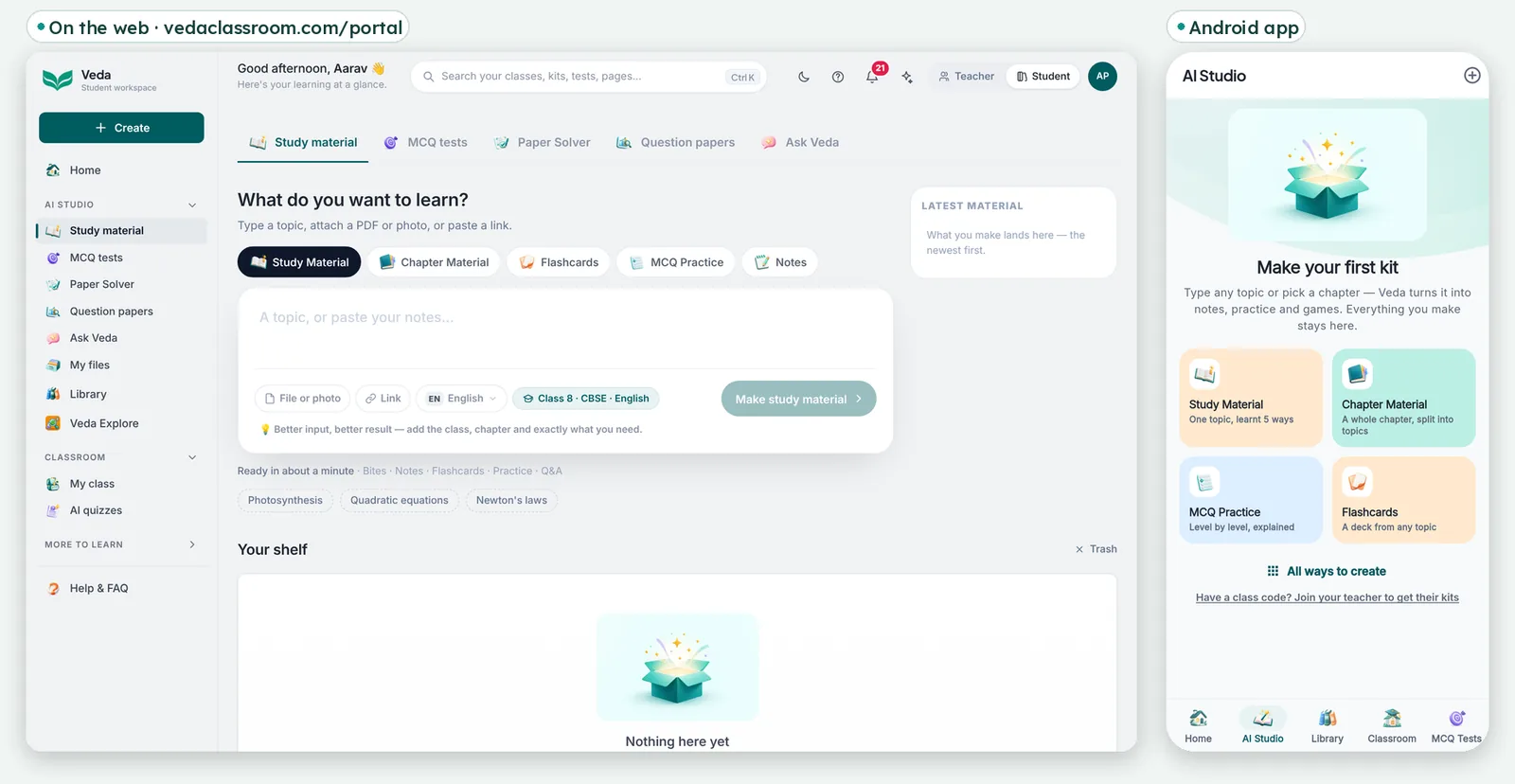
The same account works in the Android app and on the web at vedaclassroom.com/portal, so you can paste the link on your laptop and practise on your phone. We wrote more about study material from any input, or you can get the app.
Questions students ask
Does the video have to be in English?
No. Veda works in more than 40 languages, and you choose the language of the kit in AI Studio.
Can I use a playlist?
Use one video per kit. A focused video gives you a focused kit.
Do I still need to watch the lecture?
Yes. The kit is for checking and remembering what you watched, not for skipping it.