
How to Learn a New Subject From Zero, With AI as Your Tutor
Starting a subject cold at college or on your own? Map it into topics, learn one at a time, explain it back, practise level by level and let spaced review hold it.
By Prof. Rahul R. Keshwala, Founder
To learn a subject you know nothing about, do not start with a long video or a 400-page book. Start with a map: break the subject into a handful of topics, then take them one at a time, read a short explanation, explain it back in your own words, answer questions at three levels, and let spaced review bring it back over the next weeks. In Veda, Chapter Material does the first job by splitting a subject or chapter into topics, and each topic then has Learn, Practice, Revise and Test tabs for the rest.
Every term I meet university students who have chosen an elective in a field they never studied, and working adults teaching themselves statistics, accounting or a new language at night. They are all stuck in the same place: they do not know what they do not know. The first job is to make the unknown into a list.
Wandering vs following a map
- Each source starts somewhere else
- Same basics, ten times
- No sense of progress
- Easy to quit in week two
- Clear order, basics first
- Each topic done properly once
- You can see what is left
- Small wins every session
Step 1: make the map
In AI Studio, choose Chapter Material and type the chapter or subject area, or attach the syllabus, the course reader or the first chapter as a PDF. Veda's AI splits it into topics and writes a kit for each. If you already have a course outline, use it: your course order beats any general one.
- Data typeswhat you are measuring
- Averagesmean, median, mode
- Spreadrange, variance
- Probabilitychance, in numbers
- Distributionsthe shapes data takes
- Samplingfrom a few to many
That is an example of the kind of breakdown to expect, not a fixed output. Write your topic list on paper. You will tick it off.
Step 2: learn one topic at a time
- GuessTry three Practice questions before reading
- LearnSummary, key points, then the full explanation
- ExplainSay it back in plain words; Ask Veda checks you
- PractiseBeginner, Intermediate, Advanced, with the Why
- ReviseDue-today flashcards over the next weeks
- Guess first. Before reading, try a few Beginner questions in Practice. You will get some wrong, and that is the point: research on pretesting has found that trying to answer before you study can help you learn the material afterwards, because you now know what to look for.
- Read Learn in layers. Summary first, key points next, the fuller explanation last. Bites, in Revise, are a gentler start if the topic feels heavy: each one is a short card with a single idea.
- Explain it back. Close the notes and explain the topic aloud, or in writing, as if to a friend. Then paste your explanation into Ask Veda and ask what is wrong or missing. Asking yourself "why is this true?" and explaining steps to yourself are both techniques that study-skills research has looked at favourably.
- Practise level by level. Practice opens Intermediate after you clear Beginner, and Advanced after that. Every answer shows a short "Why"; Learn more goes deeper on a question you still do not get.
- Let the schedule carry it. In Revise, use Due today in Flashcards every day or two. The schedule shows you forgotten cards sooner and known cards later, so earlier topics stay with you while you move on.
Step 3: test, then go wider
After every three or four topics, open the Test tab on each and take a short test: choose the number of questions, the difficulty and an optional time limit. Use Review my answers, and Retake the weak ones a few days later. Then add depth from wherever the subject lives:
- 📄 A PDFa reader, slides or a paper
- 📷 A photoof a textbook page or the board
- ▶️ A lecturea YouTube link
- 🔗 An articlea web page link
- 📝 Your notespasted straight into the box
- 🌐 Any of 40+ languagespick the kit's language
What it can't do, and what to check
- The AI is not the final authority. It writes from what you give it and sometimes gets a detail wrong. For a course, your lecturer and set texts win; on your own, check important points against a good textbook.
- A map from a topic name is general. If your course has its own outline, upload it so the topics follow your course.
- It will not do the hard part. Explaining back and answering before looking are uncomfortable. That discomfort is the learning.
- It uses credits. Making kits, Ask Veda, Learn more and fresh AI test questions use credits; the free plan includes a monthly allowance.
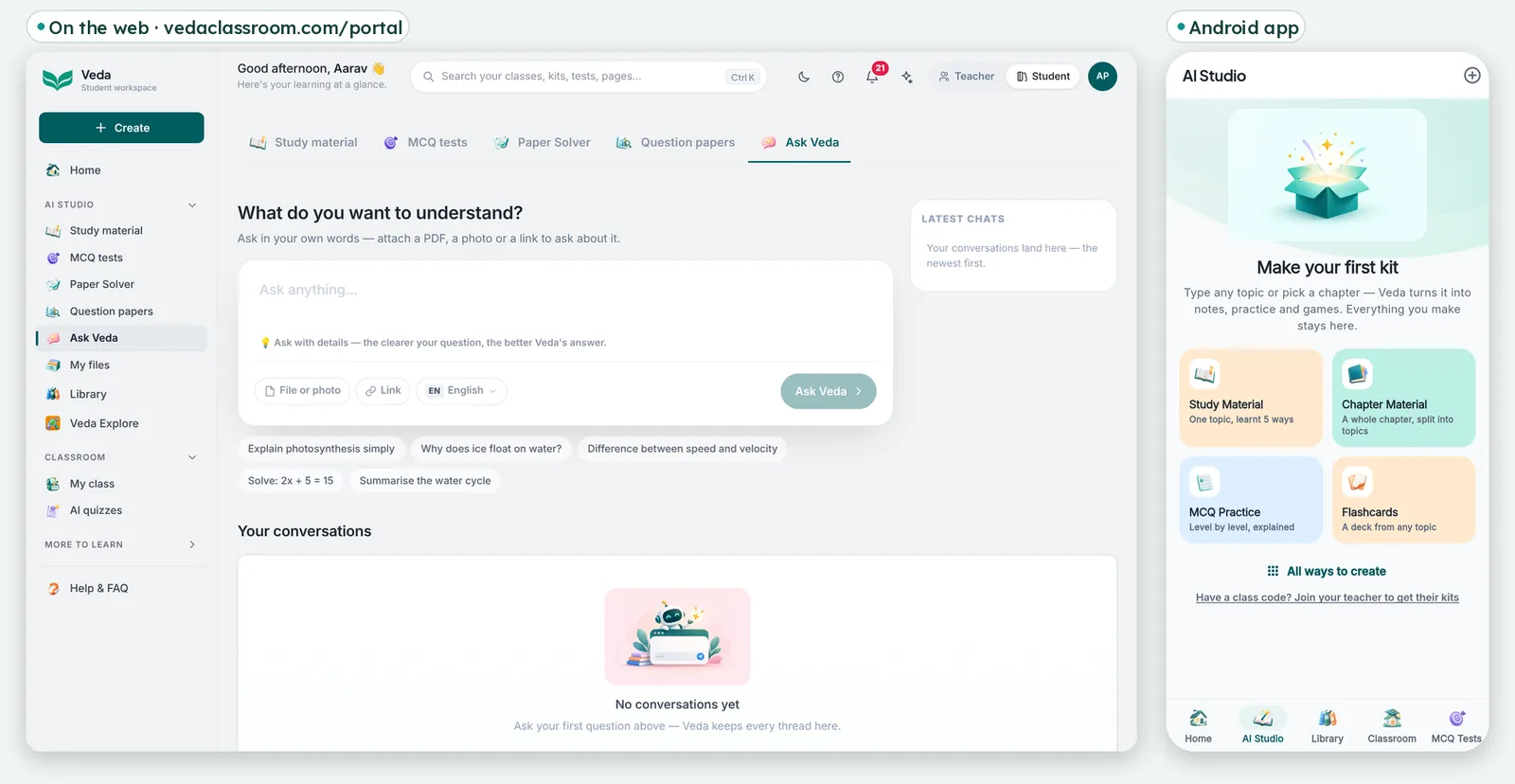
The same account works in the Android app and on the web at vedaclassroom.com/portal: read and explain on a laptop, revise on your phone. More on asking doubts with Ask Veda and splitting a chapter PDF into topics, or get the app.
Questions students ask
Can I learn something outside my school syllabus?
Yes. Type any subject or upload any material. It does not have to match a board or a class.
How many topics should I do a day?
One done properly is better than three skimmed. Add a second once the first is tested.
Can I study in my own language?
Yes. Kits can be made in more than 40 languages, including English, Spanish, Arabic, Hindi, Swahili and Japanese.