
How to Study With AI Without Cheating Yourself
AI can write your answer or help you understand it. A simple workflow that keeps the thinking yours: read, try first, check, ask why, and test yourself later.
By Prof. Rahul R. Keshwala, Founder
The honest way to study with AI is to let it explain, question and check you, and never let it do the remembering or the writing your exam or your teacher expects from you. In practice that is a short loop: read an explanation, close it and recall, answer before you look, ask "why" when you are wrong, and come back on a later day. Veda is built around that loop. Each topic has Learn, Practice, Revise and Test tabs, and the AI's job in each one is to make you think, not to think for you.
I have taught for a long time, and the question students ask me most about AI is not "is it allowed?" but "will I still learn if I use it?" That depends almost entirely on what you ask it to do. The same tool that writes a paragraph you hand in unread can also quiz you until you understand the paragraph yourself.
Copying feels like learning. It isn't.
A clear answer feels familiar the second time you read it. That feeling is not knowledge.
- Feels quick and finished
- Recognising is not recalling
- Gone by the exam
- May break your course rules
- Slower, a bit uncomfortable
- Shows exactly what you missed
- Stays much longer
- The work is still yours
The researcher Robert Bjork calls that discomfort a "desirable difficulty": the effort of pulling something out of your own memory is part of what makes it stay. Research on retrieval practice, including the well-known studies by Henry Roediger and Jeffrey Karpicke, found that testing yourself after reading leads to better long-term memory than reading the same material again.
The loop, step by step
- Readthe Learn tab, once, with a pen
- Recallclose it, write three lines
- Practiseanswer first, then read the Why
- ReturnDue today flashcards, then a test
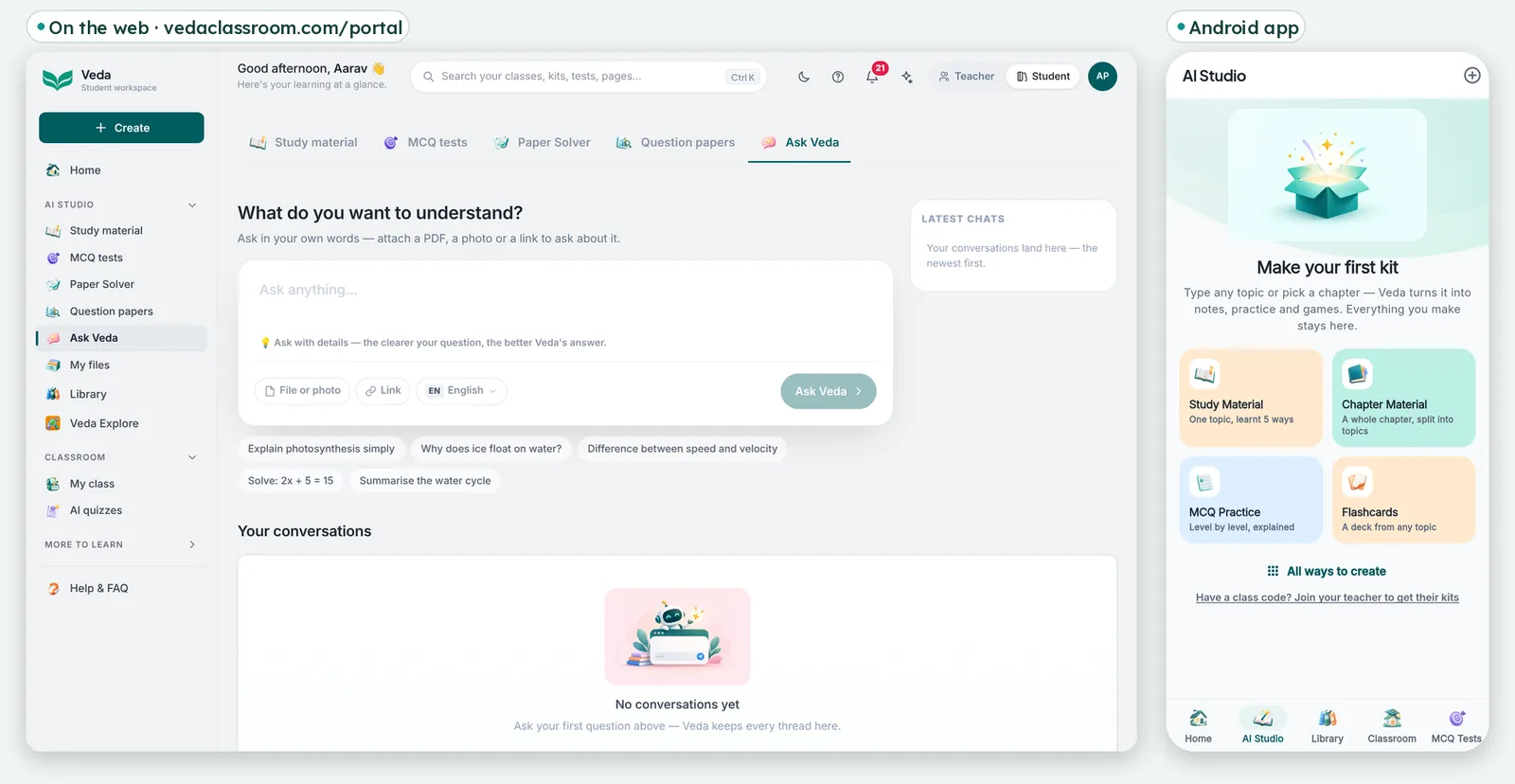
- Bring your own material. In AI Studio, type a topic, paste your class notes, upload a PDF, file or photo, or give a YouTube or web link. Veda's AI turns it into a study kit in the language you pick, from more than 40, so you study your course, not a stranger's.
- Read Learn, then close it. Learn has a summary, key points and a fuller explanation. Afterwards write two or three lines from memory. No peeking.
- Answer before you look. Practice has multiple-choice questions in three levels, Beginner, Intermediate and Advanced; clear one and Veda offers the next. Pick first. Only then does Veda show if you were right, with a short "Why".
- Ask about the mistake. If the Why is not enough, press Learn more for a deeper explanation of that question, or ask Ask Veda in your own words.
- Write long answers yourself. Practice also has short and long written questions. Write yours first, then compare with the model answer and fix your own.
- Come back tomorrow, then test. In Revise, Flashcards has a Due today mode: rate each card forgot, unsure or knew it, and the schedule brings it back at the right time. When ready, open Test, set the number of questions, difficulty and an optional time limit, and work with no help. Then Review my answers, and Retake a day or two later.
Questions worth asking an AI
A simple test: after it answers, will you know more, or just have more text?
- 🧩 "Explain this step"as if I missed the class
- 🔁 "Another example"simpler, same idea
- ⚖️ "What's the difference?"between these two terms
- 🔍 "Where am I wrong?"I chose B because…
- ❓ "Quiz me"three questions, one at a time
- 🚫 Skip "write it for me"you get text, not learning
A summary is useful after you have read the chapter, as a check. Before, it is a way of skipping the part that teaches you.
Where the line is
Every school, college, coaching class and university draws it a little differently, so read your own course's AI policy first. In our view, these are almost always fine: asking AI to explain, to quiz you, to check your working after you have tried, and to make revision cards from your notes. These almost always are not: handing in AI-written text as your own, using AI in a test that says no help, and letting it do homework whose whole point was the practice. When unsure, ask your teacher and say openly how you used AI.
What it can't do, and what to check
- The AI gets things wrong sometimes. If a note or answer disagrees with your textbook or your teacher, trust them, and report it with the button under each section.
- It cannot remember for you. Veda schedules the cards and asks the questions. You still have to answer without looking.
- It does not police you. Nothing stops you copying a model answer. The loop only works if you keep to it.
- AI features use credits. Making kits, Learn more, Ask Veda and fresh AI test questions use credits; the free plan includes a monthly allowance. A test built from a topic's existing practice questions does not.
Start with one topic
Pick tomorrow's topic, make one kit and run the loop once. The same account works in the Android app and on the web at vedaclassroom.com/portal, so you can read on a computer and revise on the phone. More on MCQ practice by level and a chatbot versus a study app, or get the app.
Questions students ask
Is using AI to study cheating?
Using it to understand, practise and revise is not. Handing in work the AI wrote as your own usually is. Your course's own policy is the final word.
Will Veda just give me the answers?
It shows the answer and the reason after you pick one. Trying first is up to you, and it is where the learning happens.
Does it work outside school subjects?
Yes. Type any topic or upload your own material, in more than 40 languages, whether you are at school, university, a coaching class or studying alone.