
How to Get Any Question Paper Solved by AI (Step-by-Step)
Upload a question paper — even a photo of one — and get every answer written the way a topper writes it, organised by marks. Here is exactly how.
By Veda Team
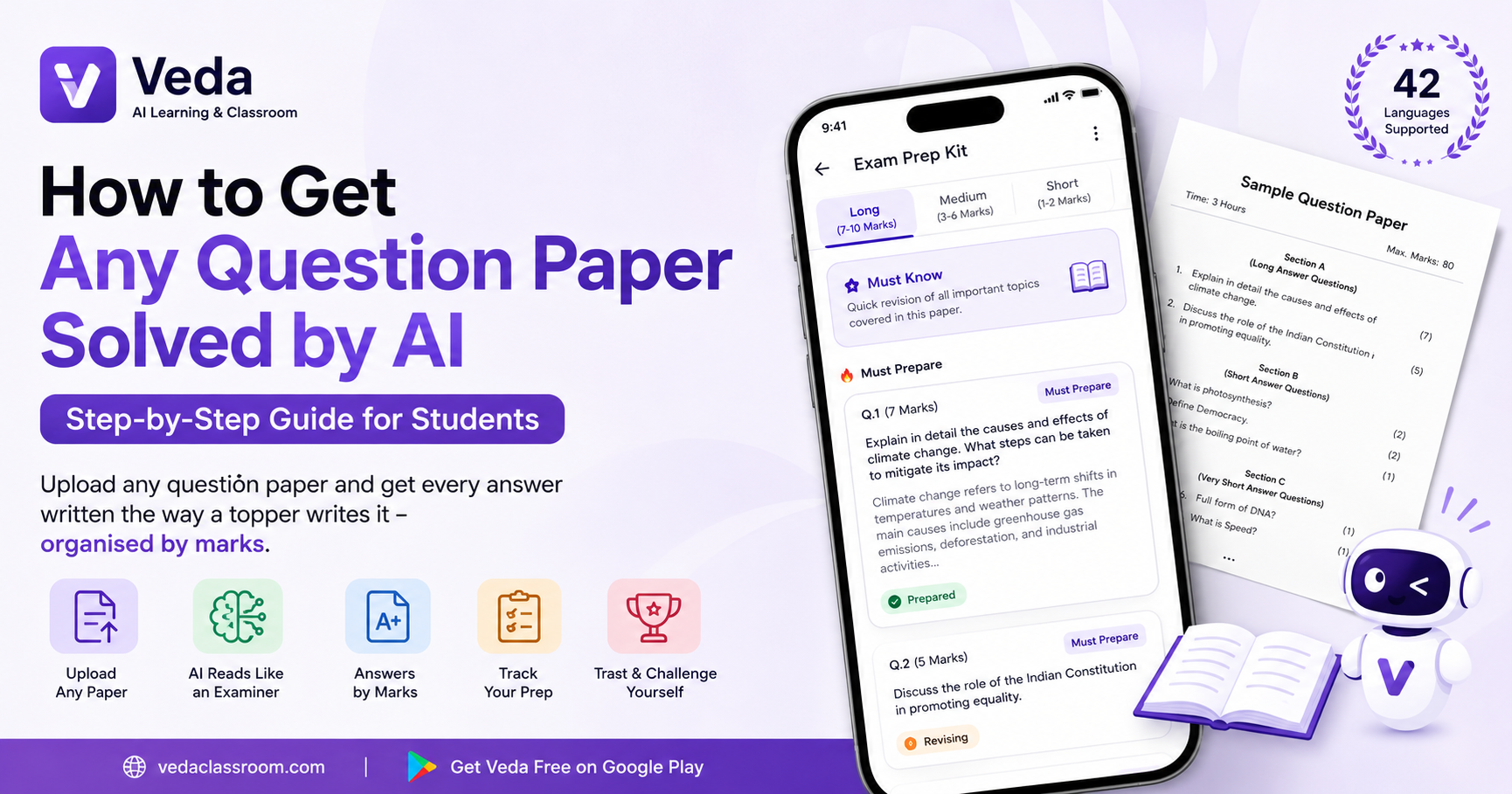
Every student has a folder of question papers — last year's board paper, the sample paper, the class test — and the same problem with all of them: the questions come without answers. Writing model answers yourself takes hours you don't have, and searching each question online gives you ten different answers of ten different qualities.
Veda's Exam Prep Kit was built for exactly this. You give it the paper; it gives you every answer, written the way a topper writes it. Here's the full process.
Step 1: Get the paper into Veda
Open Veda and tap Exam Prep on the home screen's create box. You can add the paper in whichever form you have it:
- A photo — point your camera at the printed paper. Handwriting on the margins is fine.
- A PDF — the file your teacher or coaching class shared.
- Typed text — paste the questions, or even just paste the syllabus.
You can combine up to three sources — say, both pages of a two-page paper.
Step 2: Veda reads the paper like an examiner
This is the part that surprises people. Veda doesn't just summarise the document — it recognises that this is a question paper, extracts every question in the paper's own order, keeps the original wording, and reads the marks: a 2-mark question gets a crisp, direct answer; a 7-mark question gets a full, structured, exam-length one.
Step 3: Read the answers — organised by marks
Your prep opens with three tabs — Long, Medium and Short — so you can revise the way exams are weighted. Every answer is written as flowing exam prose (no bullet-point skeletons you'd never write in a real exam), and the highest-weight questions are flagged as must prepare.
There's also a Must Know brief at the top: the compact revision summary of everything the paper touches — read it the morning of the exam.
Step 4: Track what you've prepared
Tap any question to mark it revising or prepared. The prep tracks your exam readiness, so two days before the exam you can see exactly which questions you haven't touched.
Step 5: Test yourself on the whole paper
One tap turns the entire prep into a scored challenge — a quiz generated from the paper's own questions and answers. Play it, see your score, and share the link so your friends face the same questions. The leaderboard settles who's actually ready.
It works in your language
Gujarati medium? Hindi medium? Veda detects the language of the paper and asks before generating — 42 languages are supported, and the answers follow the language you choose.
Try it with one paper
The fastest way to understand this feature is to use it once. Upload the last paper your class was given and read the first answer that comes back.