
How to Challenge Your Friends with a Quiz Link
Make a scored quiz from any topic, share one link, and let the leaderboard settle it — same questions for everyone, best score wins.
By Veda Team
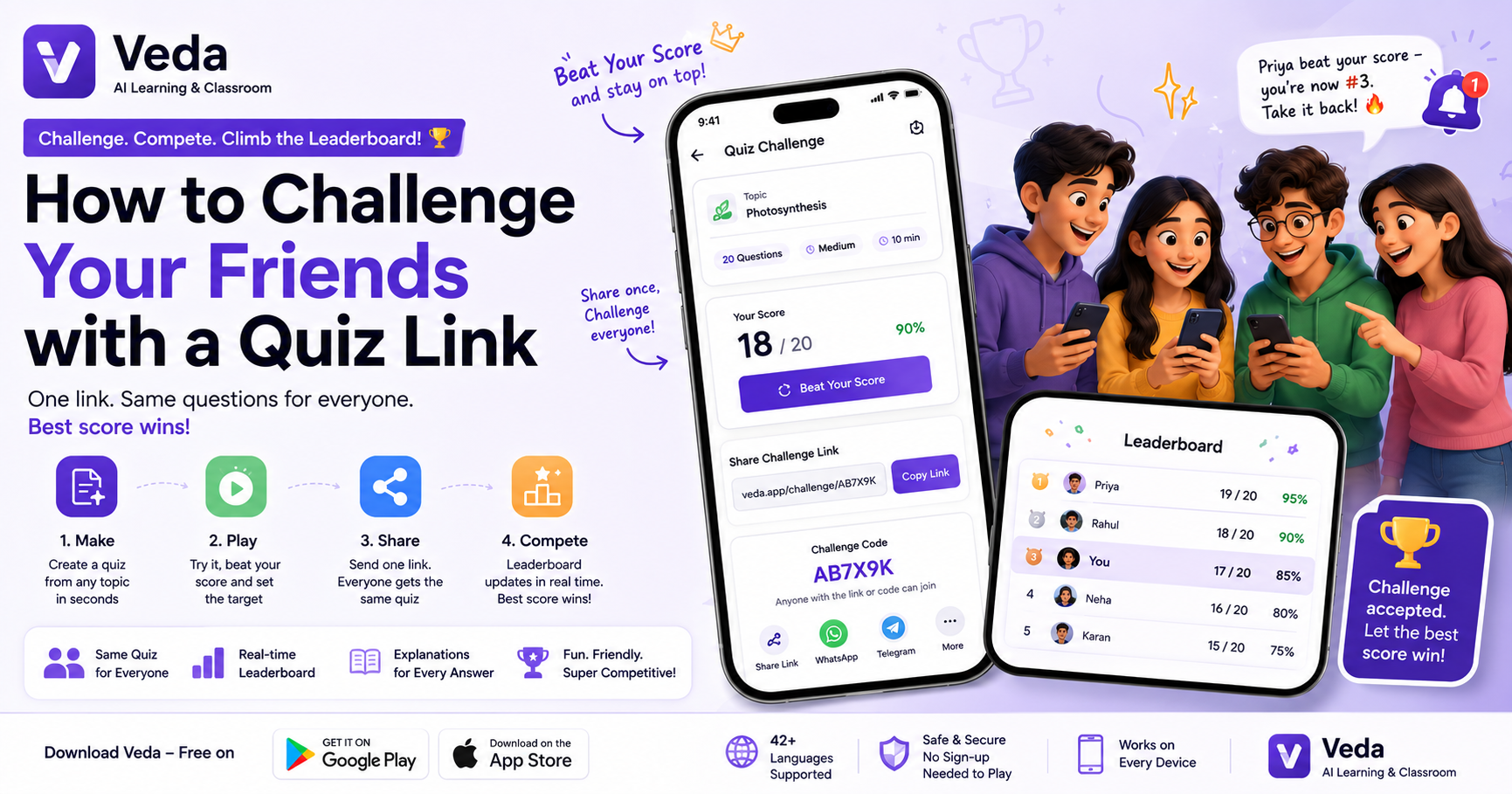
Group study has one honest problem: nobody can tell who's actually prepared. Everyone nods at the notes. The Challenge fixes that with a link.
Step 1: Make the challenge
Tap Challenge on Veda's create box. Give it anything — a topic name, your notes, a PDF, a photo — and pick your rules: how many questions (5 to 30), difficulty, and an optional time limit. Veda generates a scored quiz from it in under a minute.
Step 2: Play it first
Set the score to beat. Wrong answers come back with explanations, so even the making of the challenge is revision. Not happy with your score? Beat Your Score gives you a fresh attempt at the top spot before anyone else arrives.
Step 3: Share one link
Tap share and send the link to the group. Whoever opens it plays the exact same questions — same order rules, same scoring — so the comparison is real. Friends without the app land on a page that gets them to it in one tap.
Step 4: Let the board talk
Every attempt lands on the challenge's leaderboard. And when someone knocks you off your rank, Veda tells you — "Priya beat your score — you're now #3. Take it back!" — which is, we admit, exactly the kind of notification that gets a chapter revised at 10pm.
Where it shines
- Before a class test — one person makes the challenge from the chapter, the whole group plays it.
- Coaching batches — teachers share a challenge to the batch and watch the results come in.
- Solved papers — one tap turns an exam prep into a challenge on the paper itself.
And for a rivalry with the whole country instead of just your class, there's always the daily Arena.